PDF tools
Merge, split, rotate, reorder, remove, watermark, or convert PDF pages locally in your browser.
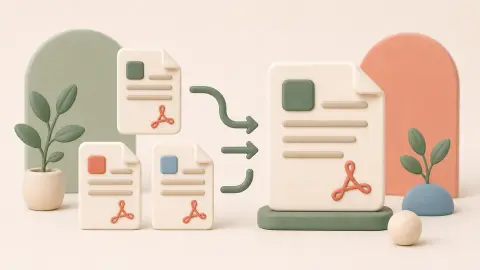
PDF Merge Tool
Merge multiple PDF files in your browser without uploading them to a server.
Open tool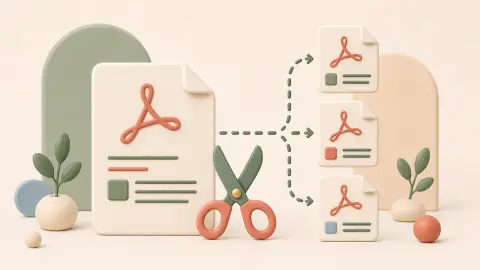
PDF Split Tool
Extract selected pages from a PDF and download a new file in your browser.
Open tool
PDF Rotate Tool
Rotate all pages or selected pages in a PDF locally in your browser.
Open tool
PDF to Images Tool
Convert selected PDF pages into PNG or JPG images locally in your browser.
Open tool
PDF Reorder Tool
Change the page order of a PDF and download a new reordered file in your browser.
Open tool
Delete PDF Pages Tool
Remove selected pages from a PDF and download a new file locally in your browser.
Open tool
PDF Watermark Tool
Add a text watermark to every page of a PDF locally in your browser.
Open toolPick the PDF tool by what should happen to the pages
PDF tasks are easier when you separate page selection, page order, orientation, and final export. Keep an untouched copy of the source file, make structural changes first, and inspect the downloaded PDF before sharing it.
- Use Split PDF to keep a small set of pages; use Delete PDF Pages when you want to keep most pages and remove only a few.
- Rotate, delete, and reorder pages before merging documents into a final package.
- Large or protected PDFs may exceed browser memory or fail to open; process a smaller file or page range first.
| Task | Start with | Why |
|---|---|---|
| Combine several PDF files | PDF Merge | Sets file order and creates one combined PDF. |
| Keep selected pages | PDF Split | Extracts page ranges into a new PDF. |
| Fix page order or orientation | PDF Reorder | Rearranges pages; use PDF Rotate for sideways pages. |
| Remove a few unwanted pages | Delete PDF Pages | Keeps the remaining pages in a new file. |